Your idea. Their next coloring book.
Turn a theme into a collection of original line-art pages. Edit the scene plan, approve a sample, and make a printable coloring book with AI.
Create a coloring bookReview the artwork, choose your versions, and export a PDF.
Making something for children? Start here.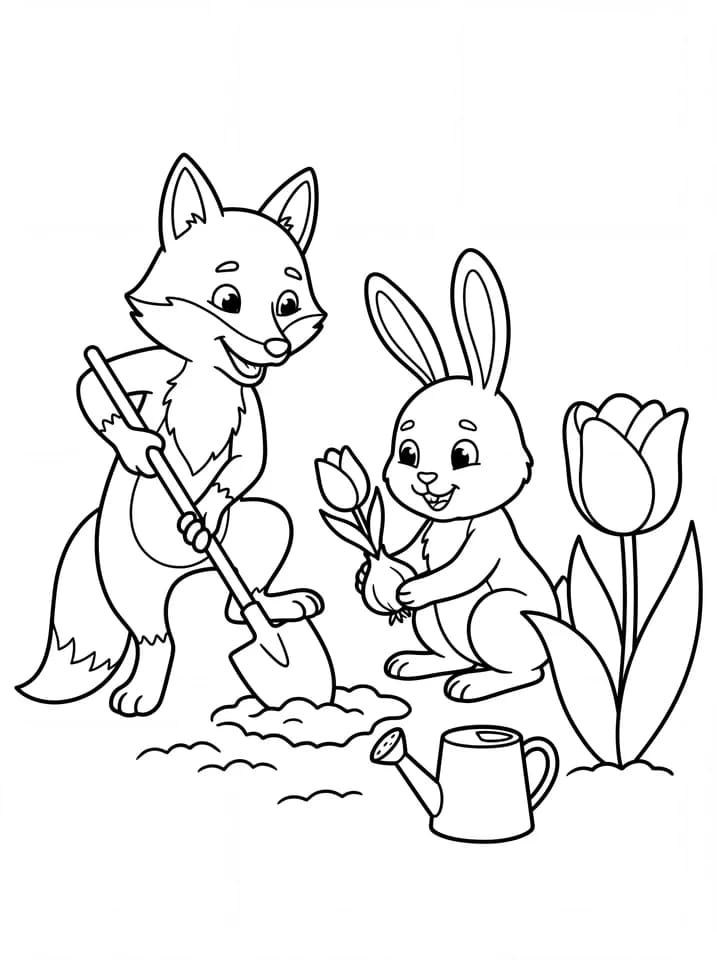
A book you shape, page by page.
A good collection starts with distinct scenes and a consistent direction. Keep control from the first idea to the final file.
- 1
Plan the scenes
Describe your theme and audience. Change the titles, subjects, and order of the proposed pages.
- 2
Try one sample
Check the outlines, small details, and white space. Approve the sample before making the remaining illustrations.
- 3
Review & print
Compare variations, approve the pages you want, and inspect a PDF proof with your chosen size and blank backs.
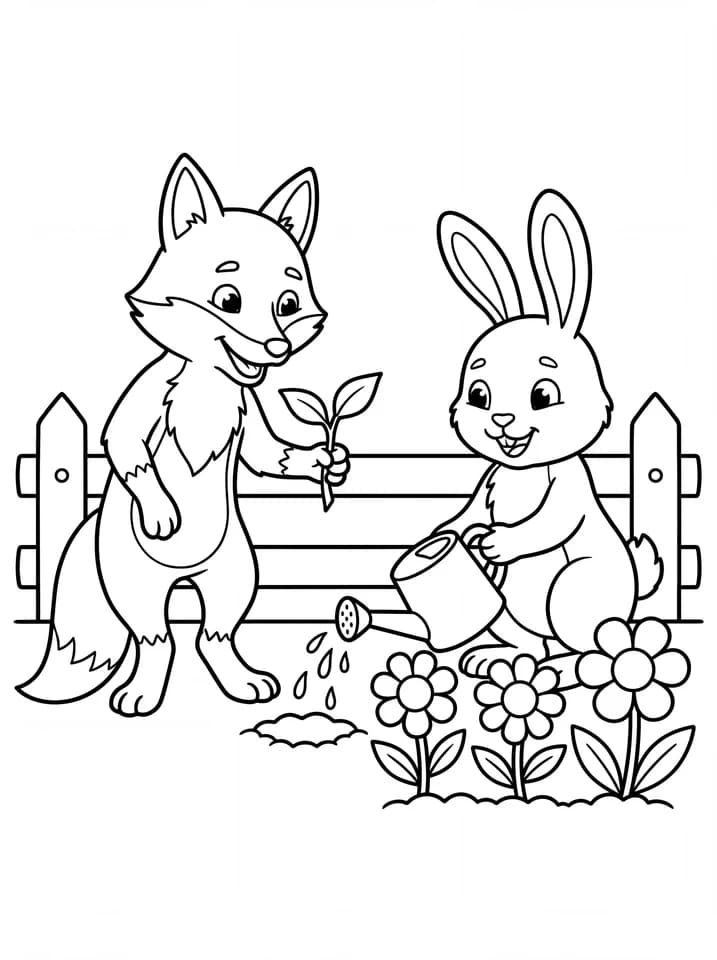
One theme, plenty to explore.
A garden can become planting, watering, gathering, and exploring. Give every page a different scene while keeping the same drawing direction.
- Change one page at a time
- Retry an unfinished image or request a different version without rebuilding the whole collection.
- Keep the versions you like
- Earlier versions remain available. Compare them in the workspace and approve the one you want in the book.
- Make the page fit the activity
- Use US Letter or a compact format. Add blank backs when you want illustrations on one side of each sheet.
Coloring book questions
Describe your theme, audience, and drawing style. Generate an editable scene plan, then make one sample illustration. After you approve its style, generate the remaining pages. Review the results and export the approved collection as a PDF.
Give your idea a page.
Start with a theme. Make the first sample your guide.